Let AI place every task in the right quadrant. Stop reacting. Focus on what truly matters.
Free to download • No ads • Focus on what's important
Write it down in a few seconds, let the matrix show what matters, and spend your day on the right things.
Used by presidents, CEOs, and productivity experts worldwide. Distinguish between urgent and important tasks to work smarter, not harder.
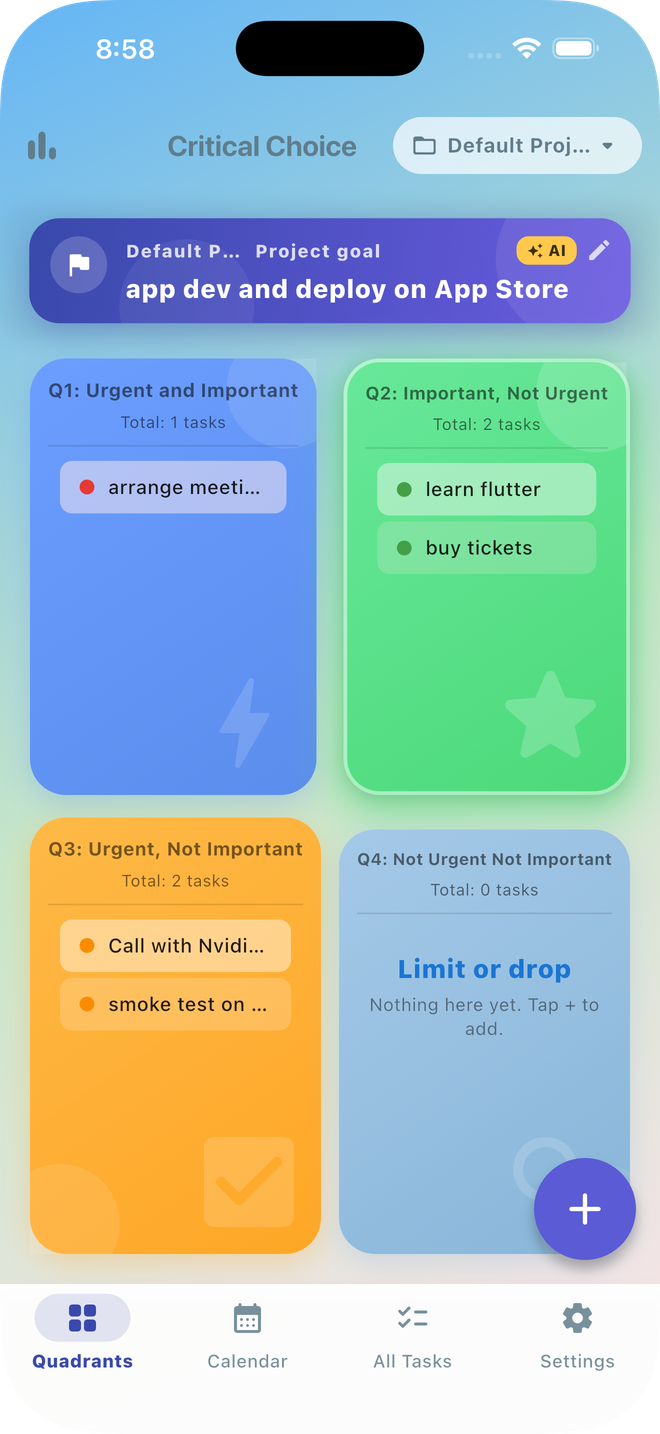
Do First: Crises, deadlines, emergencies. Handle these immediately to prevent fires, but don't live here—it leads to burnout.
Schedule & Focus: Strategic planning, skill development, relationships. This is where success happens. Spend most of your time here.
Delegate: Interruptions, some emails, other people's priorities. These feel urgent but don't contribute to your goals. Minimize or delegate.
Eliminate: Time wasters, busywork, trivial tasks. These offer little value. Remove them from your list and reclaim your time.
Everything you need to master productivity, all in one beautifully designed app
Download on the App StoreAutomatic task sorting by priority with visual color-coded quadrants. Know exactly what to work on next.
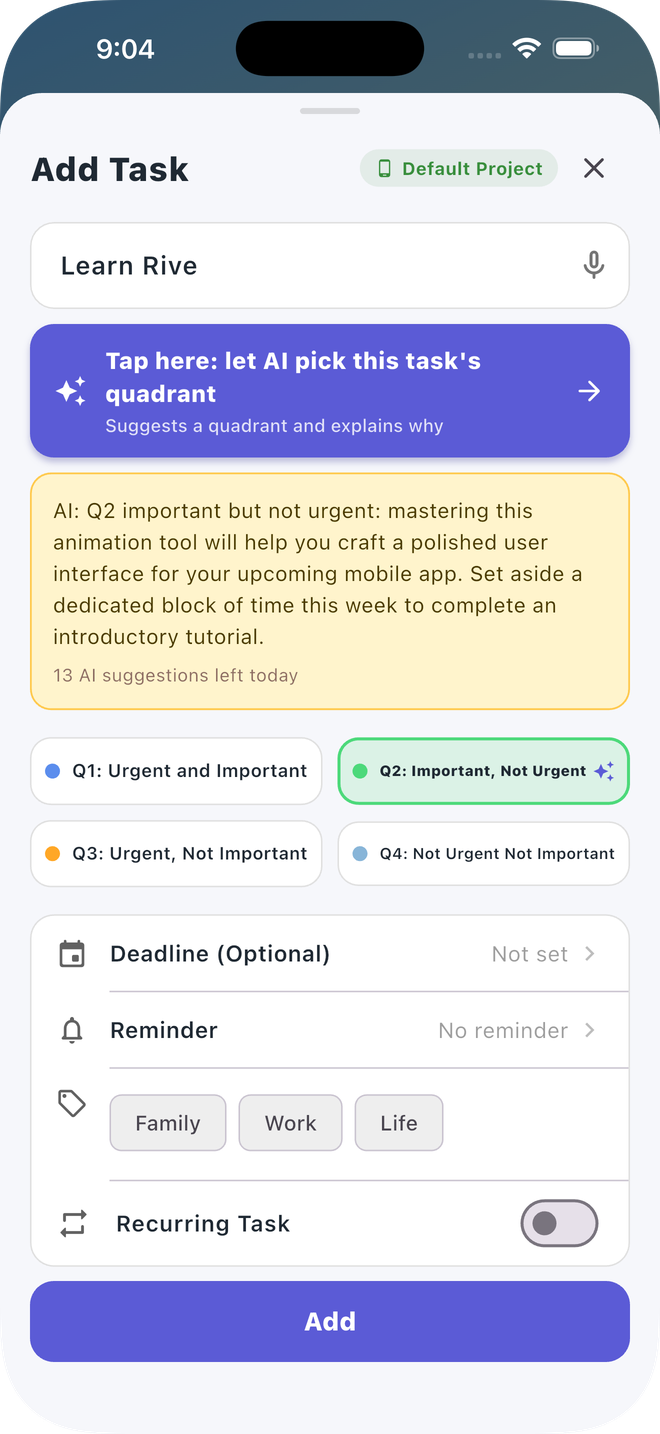
Type a task in your own words and let AI suggest the title, deadline and quadrant, using your project's goal statement. Free: 5 suggestions. Pro: 20 a day.
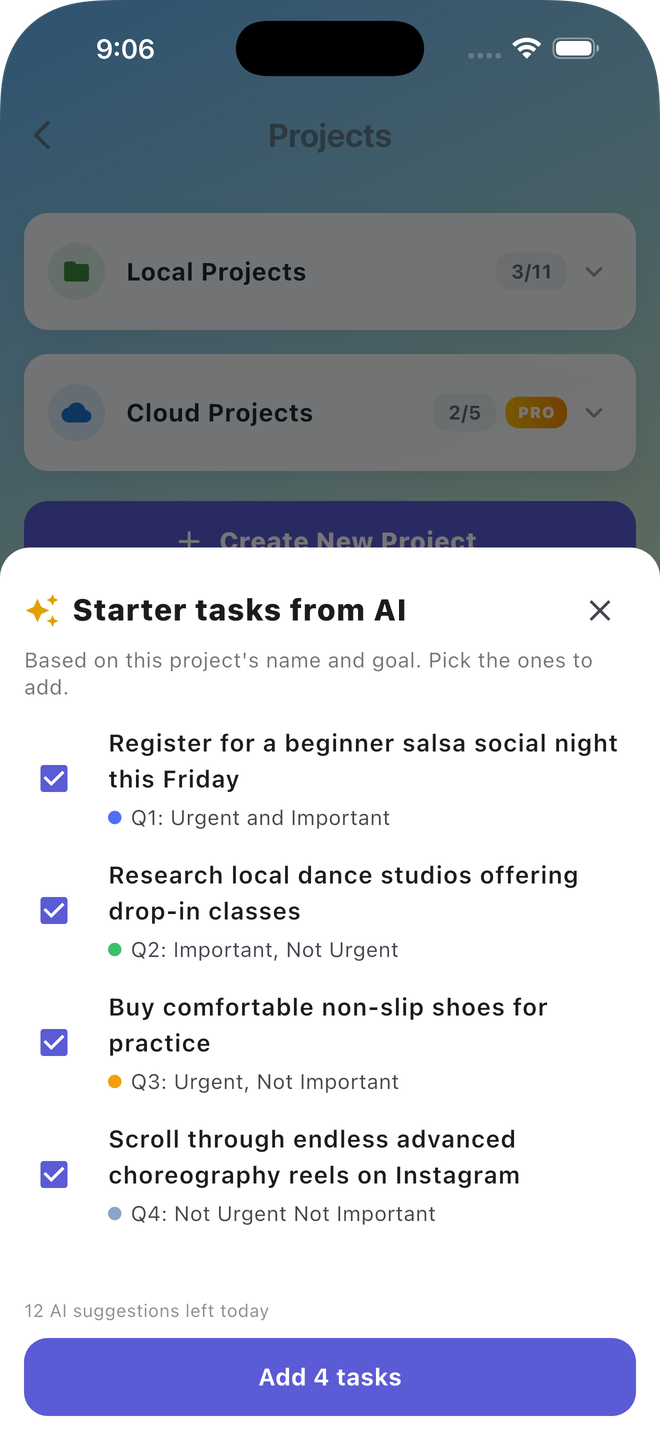
Start a new project with five first tasks. AI reads the project's name and goal, proposes the tasks and places each in a quadrant. You choose which to keep.
Create tasks hands-free with voice commands. Speech-to-text in multiple languages for quick task entry.
Pro feature: Create color-coded tags to categorize and filter tasks. Stay organized with visual labels.
Free: 2 local projects. Pro: 11 local projects plus up to 5 synced cloud projects. Organize work, personal, and family tasks.
Pro feature: put a project in the cloud and your tasks follow you. Switch to a new phone and everything is still there, safely stored in the cloud and visible only to you.
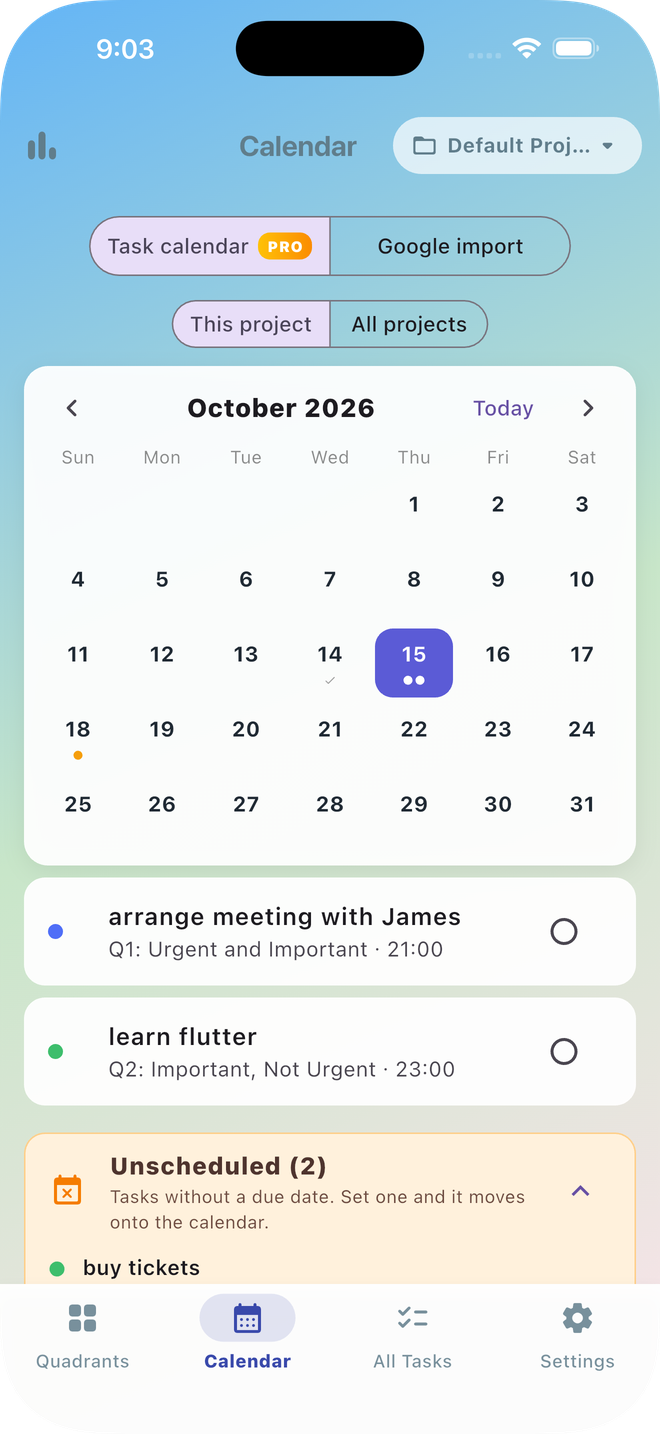
Pro feature: see every due date at a glance in a month view, switch between this project and all projects, tap a day to list its tasks with their quadrants, and check them off. Tasks without a due date wait in an Unscheduled list.
Free: a notification at 9:00 on the day a task is due. Pro: choose an exact reminder time for any task.
Pro feature: export a project's status, finished tasks included, as a readable text report or a CSV for your weekly review or a spreadsheet.
Import calendar events as tasks with one tap. Never miss a meeting or deadline again.
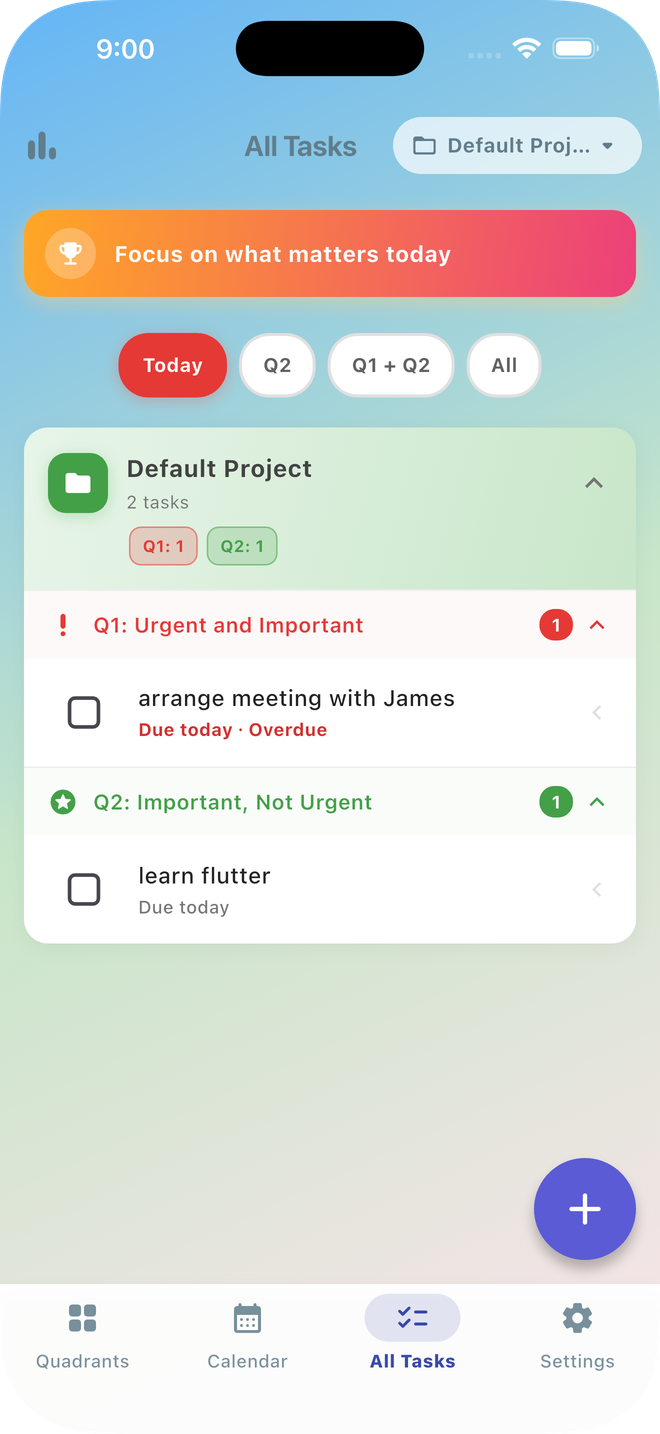
See every open task from all your projects in one list. Filter to Today (due today and overdue), Q2 only, Q1 + Q2, or everything. Each task shows its due date, and overdue ones turn red.
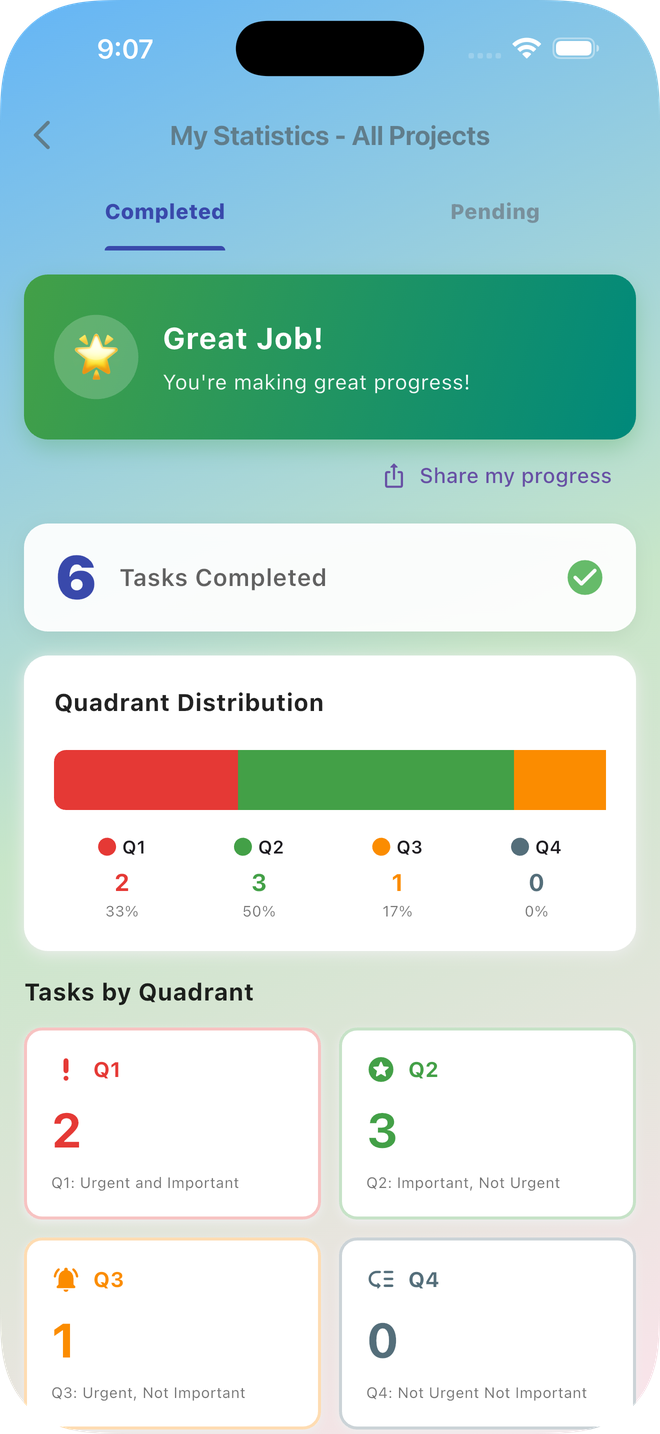
Track your productivity with 6 achievement levels and motivational insights. Watch your progress grow.
Upgrade to Pro for 11 local projects, up to 5 synced cloud projects, daily AI suggestions and starter tasks for new projects, the task month calendar, custom tags, task reminders and project export.
Beautiful, intuitive design meets powerful productivity features
Join thousands who've transformed their productivity
"Finally, a task manager that actually helps me focus on what matters! The Q2 emphasis changed how I work. I'm more strategic and less stressed."
"The Eisenhower Matrix approach is brilliant. I used to drown in urgent but unimportant tasks. Now I'm productive, not just busy. Game changer!"
"Beautiful design, powerful features. The calendar sync and achievement system keep me motivated. Best productivity app I've used!"
Download Critical Choice today and start working on what truly matters.
Free to download • No ads • Focus on what's important